
Jobs are not scheduled clearly
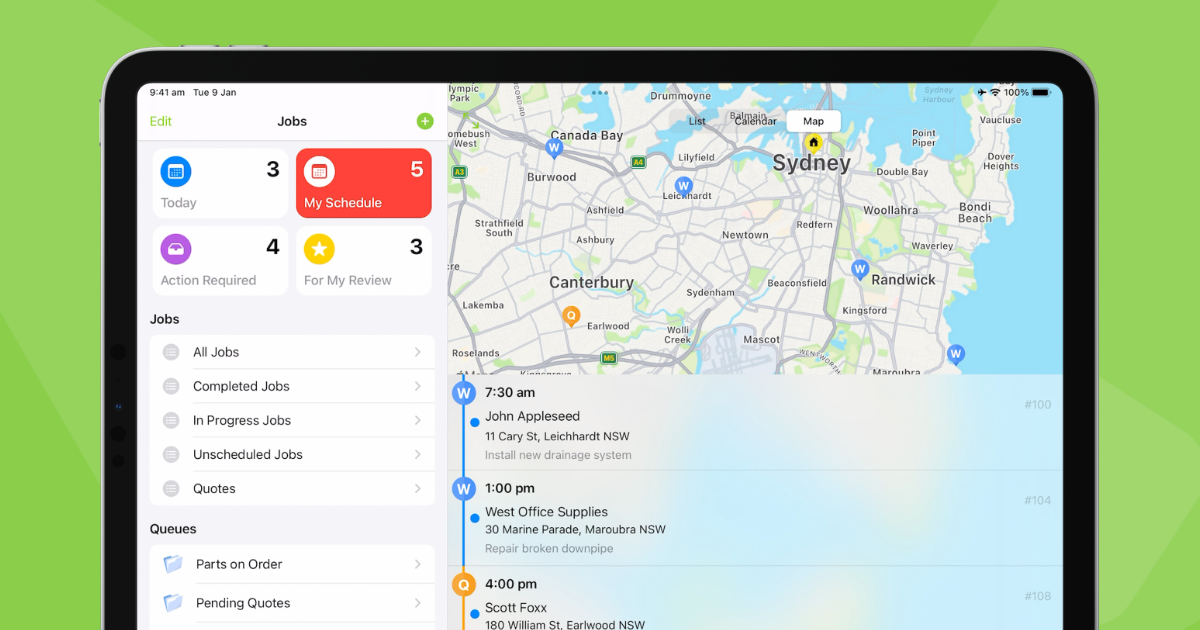
The team does not always know what is booked, who owns the job or what needs attention.
We help tradies and service businesses set up ServiceM8 around the way jobs actually move, from enquiries and scheduling to job notes, invoicing, payments and follow-up.

Most service businesses do not need more software complexity. They need clearer job flow, cleaner admin and a system that supports the way technicians and office staff already work.
The team does not always know what is booked, who owns the job or what needs attention.
Customer notes, photos, messages and instructions can get spread across phones, emails and paper notes.
Without clear forms or checklists, job completion can vary from person to person.
Admin slows down when job details, pricing, photos and customer approvals are not captured cleanly.
Invoices, payment status and customer follow-up can become manual if the workflow is not clear.
The owner or office team still has to ask where jobs are up to because visibility is not strong enough.
View jobs, assign work, manage schedules and keep the team clearer on what is happening next.
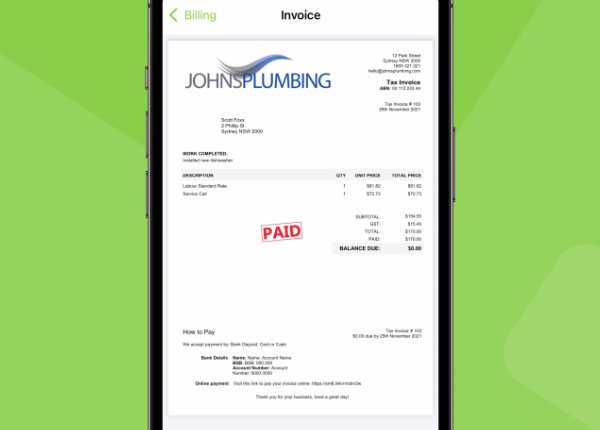
Create quotes, send invoices and support a cleaner quote-to-payment workflow.
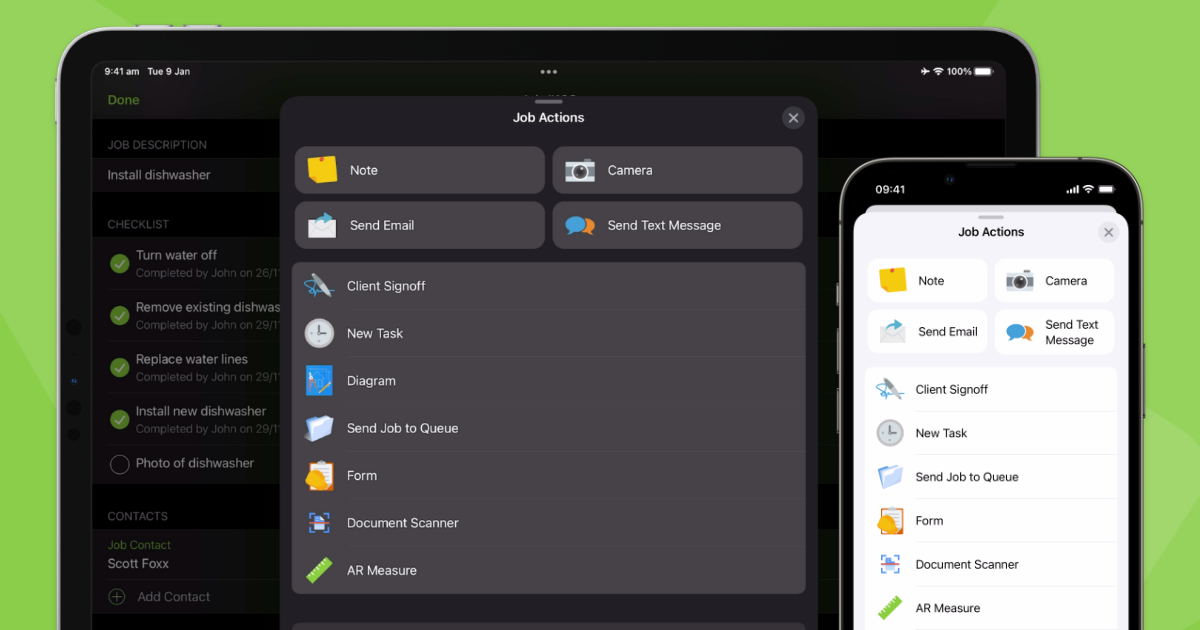
Keep important job information attached to the customer or job instead of scattered across devices.
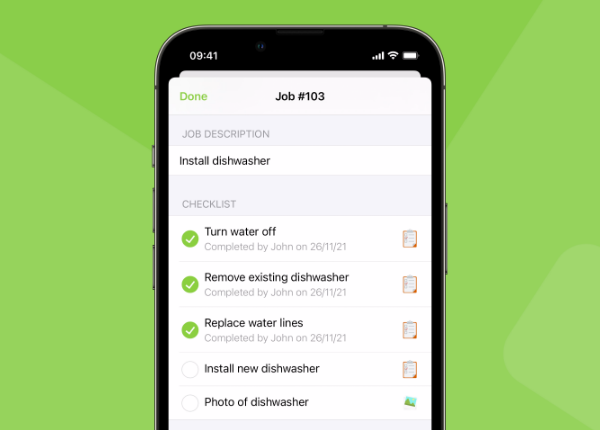
Use structured forms and checklists to make job completion more consistent.
Capture sign-offs or approvals where suitable for the job process.
Support payment collection and accounting connection where your setup allows.
As a ServiceM8 Certified Partner, Stralynx can help configure ServiceM8 around your job process, team structure and admin needs.
A certified partner can help reduce setup mistakes, simplify rollout and make the system easier for your team to use from day one.
Configure core account settings so the system reflects how your business operates.
Set up team members, roles and access based on who needs to see and manage work.
Create clearer job types and status flows so work is easier to track.
Structure common services, products or materials where useful for quoting and invoicing.
Set up practical templates so quotes and invoices look professional and are easier to send.
Create forms and checklists that help technicians capture the right information on site.
Prepare simple message templates for common customer updates and follow-up.
Support payment workflow setup where available and suitable for your business.
Review accounting connection needs such as Xero or MYOB and scope setup carefully.
Help the owner or office team see jobs, status, invoices and follow-up more clearly.
The goal is not to add every feature at once. The goal is to create a ServiceM8 setup your team can actually use.
No. We can help if you are new to ServiceM8 or if you already have an account that needs to be cleaned up, configured or better aligned with your job process.
Yes. We can review how your current setup is being used, identify what is unclear or overcomplicated, and suggest practical improvements before rebuilding anything.
ServiceM8 can support accounting connections depending on your setup and requirements. We can review what is needed and scope the setup carefully. Accounting advice or complex reconciliation work is not included unless quoted separately.
Yes. We can help create practical forms and checklists for job notes, photos, customer sign-off, site information or repeatable job steps.
Yes. ServiceM8 is designed for field service teams, and mobile use is one of the main reasons service businesses choose it. The setup should make it easy for technicians to capture the right information on site.
No. It is commonly used by tradies, but it can also suit service businesses such as cleaning, maintenance, pest control, mobile services and other businesses that manage jobs in the field.
Basic handover guidance can be included depending on the scope. Larger staff training, documentation or ongoing support can be quoted separately.
Setup cost depends on your current process, ServiceM8 account, job types, forms, workflows, staff, accounting needs and integrations required. We usually start with a short strategy call to understand the scope.
Book a free 15-minute strategy call. We'll look at your current job process, ServiceM8 setup and the simplest next step to improve how work moves through your business.
Book Your Free Strategy CallNo pressure. No sales pitch. Just clarity.